ARC Raiders Best Settings for Low-End PC: Max FPS Without Losing the Fight
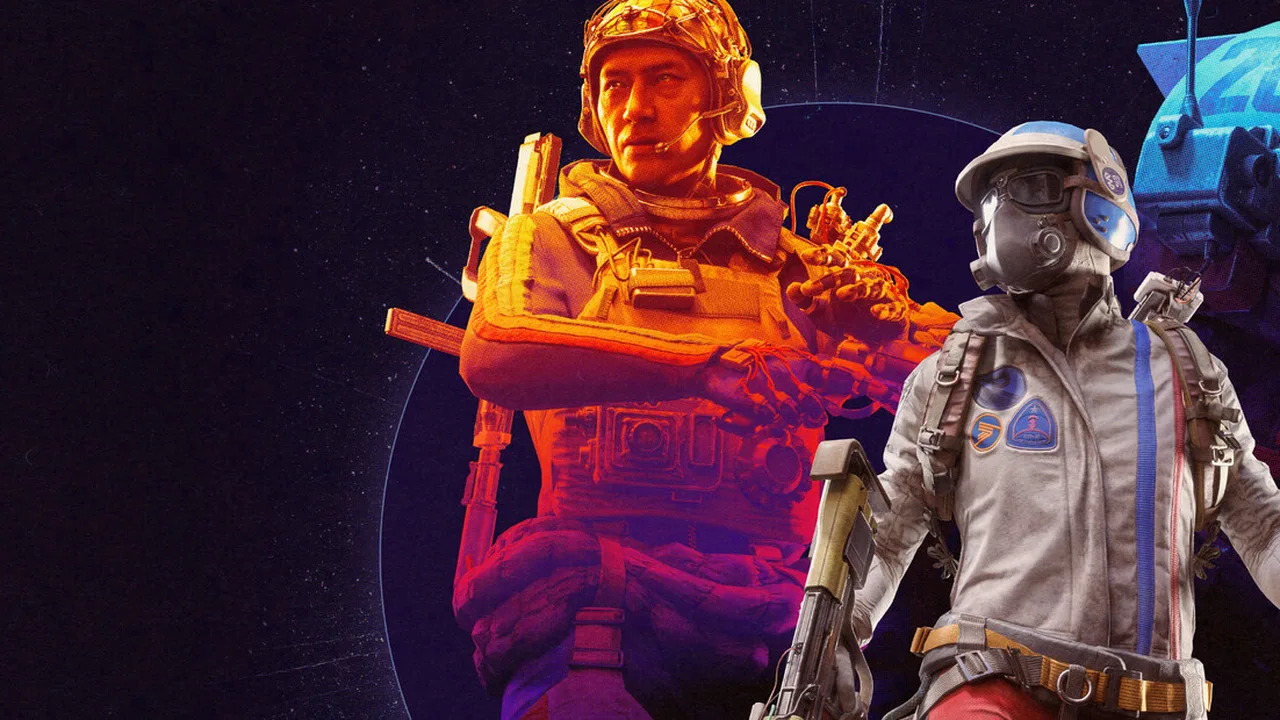
ARC Raiders is one of the best-looking extraction shooters of the year — and one of the heaviest. It runs on Unreal Engine 5, with dense foliage, ray-traced lighting and huge open maps, so the default settings will choke a low-end PC. The fix is not a new graphics card. It is knowing which settings actually cost frames and which ones you can keep. This guide gives you the exact settings to use, based on Embark's official PC requirements and the settings the community has tested since launch.
Quick summary
- ARC Raiders officially needs 12GB of RAM minimum — more than most games on this site. If you have 8GB, you are below minimum and need the lowest preset plus upscaling.
- Ray-traced Global Illumination is the single biggest FPS cost. Set it to Static (off) — guides report a 30–40% frame rate gain from this one setting alone.
- Use DLSS, FSR 3 or XeSS before lowering your resolution. Upscaling on Balanced gives you a huge FPS boost with minimal image quality loss.
- V-Sync off, NVIDIA Reflex on, motion blur off — the three settings that cut input lag and keep targets readable.
- ARC Raiders costs ₹1,295 on Steam India (50% off for Black Friday, verified November 27, 2026) — and the game is still getting updates, with update 2.7.0 "Flickering Flames" out this week.
Can your PC run ARC Raiders?
Embark's official PC requirements define three performance targets. Be honest with yourself about which row you are on — the settings below only work if your hardware is close to the minimum.
| Tier | CPU | Memory | GPU | Published target |
|---|---|---|---|---|
| Minimum | Intel Core i5-6600K / AMD Ryzen 5 1600 | 12 GB RAM | GTX 1050 Ti / RX 580 / Arc A380 | Low settings, 1080p, 60 FPS |
| Recommended | Intel Core i5-9600K / AMD Ryzen 5 3600 | 16 GB RAM | RTX 2070 / RX 5700 XT / Arc B570 | High settings, 1440p, 60 FPS |
| Epic | Intel Core i7-9700K / AMD Ryzen 7 3700X | 16 GB RAM | RTX 4070 Ti / RTX 5070 / RX 7900 XTX | 1440p, 90 FPS with upscaling on Quality |
If your CPU, GPU or RAM is below the minimum row, start with the lowest preset and a supported upscaler rather than expecting a smooth 1080p/60. Settings cannot compensate for a machine far below the requirements — and the 12GB RAM minimum is real. On an 8GB machine, close every background app and browser tab before you play, and expect stutter in busy areas no matter what you change. If you want shooters that genuinely run on 4GB of RAM, our best FPS games for low-end PC list has 10 of them.
The best ARC Raiders settings for a low-end PC
Use this as your starting profile, then play the same kind of scene for a few minutes before changing anything. The aim is consistent frame times and clear targets, not the biggest number in an FPS counter.
| Setting | Low-end choice | Why |
|---|---|---|
| Graphics preset | Low (or Medium if you have a GTX 1660 or better) | The baseline — tune individual settings from here |
| Window mode | Borderless Fullscreen | Faster alt-tab, almost no FPS cost |
| Resolution | 1080p (your monitor's native) | Never drop below 1080p before trying upscaling |
| V-Sync | Off | Removes added input lag |
| Frame cap | 60 (or your monitor's refresh rate if you can hold it) | A stable cap beats a high, erratic peak |
| NVIDIA Reflex / AMD Anti-Lag | On | Cuts the delay between your input and the screen |
| Upscaling | DLSS on NVIDIA, FSR 3 on AMD, XeSS on Intel Arc | The biggest free FPS boost in the game |
| Upscaling mode | Balanced | Best trade-off between sharpness and frames |
| Frame Generation | Off (while diagnosing stutter) | Turn it on only after your base FPS is stable above 60 |
| Ray-traced Global Illumination | Static (off) | The single biggest FPS win — up to 30–40% |
| Shadows | Low | Second-biggest cost after ray tracing |
| Reflections | Low | Expensive for what you see in a firefight |
| Post-Processing | Low | Cheap frames, barely noticeable at Low |
| Global Illumination Resolution | Low | The other half of the lighting cost |
| Foliage | Low | Dense grass and bushes are expensive to draw |
| Effects | Low | Explosions still read clearly at Low |
| View Distance | Medium or High | Keep this up — spotting raiders at range matters |
| Textures | Medium | Only lower this if your GPU has under 4GB of VRAM |
| Motion Blur | Off | Maximum clarity when you turn fast |
| Depth of Field | Off | No competitive value, costs frames |
| FOV | 75–80 (max is 80) | Wider view helps you spot flankers |
Which settings cost the most FPS?
If you only change three things, change these. Ray-traced Global Illumination is first by a long way — turning it from ray-traced to Static (off) is the single largest gain in the game, with guides reporting 30–40% more frames on its own. Shadows are second: drop them to Low before you touch anything else. Reflections, post-processing and global illumination resolution are the next tier — lower all four before you reduce view distance or textures, because view distance is what lets you see enemies first, and textures mostly cost VRAM rather than frames.
Upscaling deserves a special mention. ARC Raiders supports NVIDIA DLSS, AMD FSR 3 and Intel XeSS, and using one of them on Balanced is worth more than dropping your output resolution. Upscaling renders the game at a lower internal resolution and rebuilds the image — you get most of the frames of a lower resolution with most of the sharpness of native. Try Balanced first; drop to Performance only if a stable frame rate is otherwise impossible, and use Ultra Performance only as a last resort, because text and distant detail get noticeably soft.
How to fix stutter in ARC Raiders
Stutter is a different problem from low FPS, and it has different fixes. First, turn frame generation off while you diagnose the problem — it masks the real frame time and makes stutter harder to find. Then cap your frame rate at a value your system can actually hold consistently: a locked 60 FPS feels far better than a 90 FPS average that drops to 40 in a fight.
Second, update your GPU drivers. New drivers are regularly optimised for ARC Raiders and can add 5–10 FPS in busy scenes on their own. Third, set your Windows Power Plan to High Performance so the CPU does not throttle during a match, and turn on Windows Game Mode (Settings > Gaming > Game Mode) so background updates and notifications stay out of the way.
If you are on an NVIDIA card and use frame generation, also enable Hardware Accelerated GPU Scheduling (Settings > System > Display > Graphics > Change default graphics settings) — it can cut a few milliseconds of input latency with frame generation on. If you do not use frame generation, test it on and off: some systems gain, others lose, and there is no universal answer.
Audio and aim settings that help you win
Graphics are only half the settings menu. For audio, set Output to Headphones and turn Night Mode on — it compresses loud sounds so footsteps and distant gunfire stay audible without explosions blowing out your ears. Set Proximity Chat to Push to Talk so you are not broadcasting every sound in your room.
For aiming, set your FOV to 75–80 (the maximum is 80) for a broader view of your surroundings. Turn Mouse Smoothing off, and use a low sensitivity you can control — many players run around 800 DPI with roughly 75% in-game horizontal sensitivity. Set your crosshair colour to cyan or green so it stays visible against the game's orange-lit environments and snowy maps.
Frequently asked questions
Can ARC Raiders run on 8GB of RAM?
It can launch, but you are below the official 12GB minimum, so expect stutter — especially in busy areas and during extraction fights. Use the lowest preset, FSR 3 or DLSS on Performance, close every background app and browser tab, and keep a realistic target: a stable 45–60 FPS, not 144. If you want shooters built for weak hardware, our best FPS games for low-end PC guide lists games that officially need 2GB or less.
Should I use DLSS or FSR in ARC Raiders?
DLSS if you have an NVIDIA RTX card, FSR 3 if you have an AMD card, XeSS if you have an Intel Arc card. All three are supported. Use Balanced mode for the best trade-off between sharp visuals and high FPS, and only drop to Performance if you cannot hold a stable frame rate.
Does turning off ray tracing really help that much?
Yes — ray-traced Global Illumination is the single most expensive setting in the game. Setting it to Static (off) is reported to boost frame rate by 30–40% on its own. You lose some lighting richness, but in a firefight you will not miss it.
How much does ARC Raiders cost in India?
₹1,295 on Steam India, at 50% off for Black Friday (verified November 27, 2026). The game is also still being updated — update 2.7.0, "Flickering Flames", arrived this week, and you can read what it changed in our ARC Raiders 2.7.0 update story.
What is the best FPS cap for ARC Raiders?
Whatever your system can hold consistently. On a low-end PC, cap at 60 FPS and leave it there — a locked 60 feels far smoother than an average of 90 with drops to 40. If your machine holds higher frames steadily, raise the cap to match your monitor's refresh rate.
Related articles
 Best Sci-Fi Games for Low-End PC: 10 Spac…
 Best Detective Games for Low-End PC: 10 M…
 Best Superhero Games for Low-End PC: 10 C…
 Best Turn-Based Games for Low-End PC: 10…