Battlefield 6 Best Settings for Low-End PC: Max FPS Without Losing the Fight
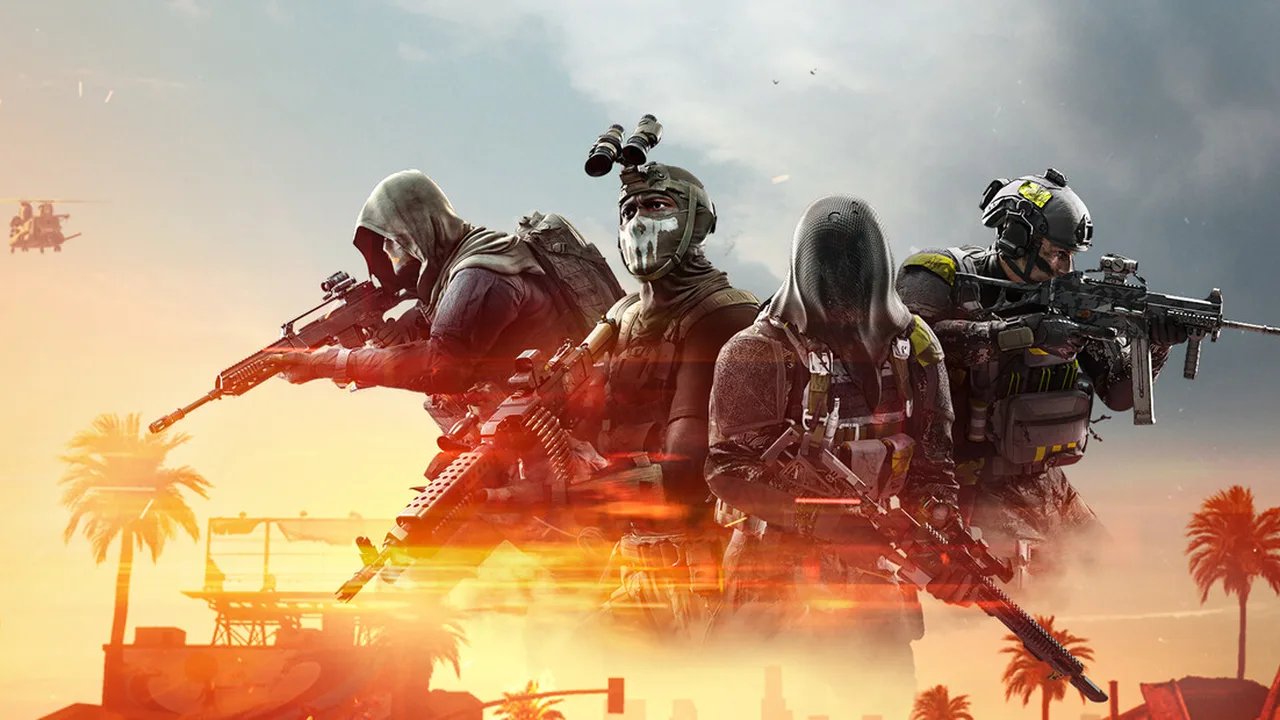
Battlefield 6 is the most demanding shooter on this site to run on a weak PC — and also one of the most rewarding to tune. The official minimum spec asks for 16GB of RAM and an RTX 2060, and targets just 30 FPS at 1080p on Low. But the game scales far better than that sounds: on an RTX 4060, dropping from the Overkill preset to Low takes you from 64 FPS to 110 FPS at 1080p, and the right upscaling choice adds another chunk on top. The settings below are the ones that actually move your frame rate, tested by Rock Paper Shotgun, FPSTweak and the wider community since launch — and we verified the specs and the India price on Steam on November 27, 2026.
One warning before you start: Battlefield 6 will not launch at all unless Secure Boot is on in your BIOS, because the Javelin anti-cheat requires TPM 2.0 and Secure Boot. Check that first, or no setting in the world will help you.
Quick summary
- Battlefield 6 costs ₹1,319 on Steam India right now (-67% in the Black Friday sale) and needs 16GB of RAM, 55GB of storage and DirectX 12.
- Check Secure Boot first: the game needs TPM 2.0, UEFI Secure Boot and HVCI support for the Javelin anti-cheat — with Secure Boot off, it will not launch at all.
- The three biggest wins: ray tracing off (about +25% FPS), upscaling on Quality (DLSS/FSR/XeSS), and SSGI off — screen-space global illumination alone costs roughly 30–35% of your frame rate.
- Start from the Low preset at 1080p, then raise only textures and filtering — textures cost VRAM, not FPS, so a 6GB card can run High textures while everything else stays Low.
- On an RTX 4060 at 1080p, Low gets you about 110 FPS, Medium about 97, High about 84, Ultra about 73 and Overkill about 64 — so every preset step down is worth real frames.
- Be honest about RAM: 8GB is below the 16GB minimum. The game will run, but expect stuttering in 128-player Conquest. 16GB is effectively required for smooth play.
What Battlefield 6 needs from your PC
Here are EA's official specs, verified on Steam India on November 27, 2026. The gap between the two tiers is the important part: the minimum targets 1080p at 30 FPS on Low, while the recommended targets 1440p at 60 FPS on High — or 1080p at 80 FPS and above on Low. That jump is mostly upscaling, CPU headroom and the settings in this guide, not a new graphics card.
| Spec | Minimum (1080p / 30 FPS / Low) | Recommended (1440p / 60 FPS / High) |
|---|---|---|
| CPU | Intel Core i5-8400 / AMD Ryzen 5 2600 | Intel Core i7-10700 / AMD Ryzen 7 3700X |
| GPU | RTX 2060 / RX 5600 XT 6GB / Intel Arc A380 | RTX 3060 Ti / RX 6700 XT 8GB |
| RAM | 16GB | 16GB |
| Storage | 55GB, DirectX 12 | 55GB, DirectX 12 |
| Extra | TPM 2.0, UEFI Secure Boot, HVCI capable | TPM 2.0, UEFI Secure Boot, HVCI capable |
The 16GB RAM figure is the one people trip over. Most shooters on this site list 8GB as the minimum; Battlefield 6 lists 16GB, and it means it. Large-scale Conquest matches with 128 players, vehicles and full-scale destruction spike CPU load through draw calls and physics in a way no single-player shooter does. If you have 8GB, close everything else before you play, and expect hitches when a building comes down on top of a full server. If you have 16GB, you are fine.
Check this before you touch any setting
Battlefield 6 uses Javelin, a kernel-level anti-cheat, and it checks for TPM 2.0 and Secure Boot when the game starts. If Secure Boot is off in your BIOS, the game will not launch — no error about graphics, no low-FPS warning, just a refusal to start. Restart your PC, enter the BIOS (usually Del or F2 during boot), and turn on Secure Boot and TPM 2.0 (sometimes listed as PTT on Intel or fTPM on AMD). While you are there, turn on XMP or EXPO for your RAM — it is free performance, and it matters in a CPU-heavy game like this.
Also do the boring basics before you start tuning: update your graphics driver, move the game to an NVMe SSD if you have one (it cuts loading hitches noticeably versus a hard drive), and turn on Game Mode in Windows. Then open the game, go to Settings, then Graphics, then Advanced, and switch the Performance Overlay on. It shows whether your GPU or CPU is the limit — if GPU time is higher, upscaling and texture settings will help most; if CPU time is higher, Mesh Quality, High Fidelity Objects and Sun Shadow Quality are the settings that load the processor.
The best settings for Battlefield 6 on low-end PC
Start from the Low preset at 1080p, then apply the table below. This is the configuration community testing keeps landing on for 60 FPS on minimum-spec hardware, and it keeps the game readable — distant enemies stay visible, which matters more than pretty smoke.
| Setting | Recommended value | Why |
|---|---|---|
| Display mode | Fullscreen Exclusive | Bypasses the Windows compositor, which costs frames and adds latency |
| Resolution | 1920x1080, native | Do not drop to 900p or 720p — the UI and distant enemies become unreadable |
| V-Sync | Off | Cap your FPS instead — less input lag |
| Frame rate limit | 60 FPS, or 3–5 below your monitor's refresh rate | A locked 60 feels far smoother than 45–75 jumping around |
| Ray Tracing | Off | The most expensive setting — about +25% FPS with almost no loss in combat readability |
| Texture Quality | High (Medium on 6GB VRAM or less) | Costs VRAM, not much FPS — drop it only if the card runs out of memory |
| Texture Filtering | High | Keeps distant ground and walls sharp for almost no cost |
| Mesh Quality | Low or Medium | Loads the CPU — lowering it helps most in 64-player lobbies |
| Terrain Quality | Low | GPU cost with very little effect on spotting players |
| Undergrowth Quality | Low | Less foliage to render, and less grass in your sightline |
| Effects Quality | Low | Explosions and particles cause the worst 1% low dips |
| Volumetric Quality | Low | Thinner smoke and fog, and several percent more FPS in heavy fights |
| Sun Shadow Quality | Low or Medium | Hits both CPU and GPU — Medium only if you have headroom |
| Ambient Occlusion / GI | Off (or GTAO, never SSGI) | SSGI is one of the most expensive options in the menu — roughly 30–35% of your frame rate |
| High Fidelity Objects | Low | Fewer detailed objects means fewer draw calls for the CPU |
| Lighting / Local Light / Reflections | Low | Leave Screen Space Reflections off, Shadow Filtering on PCF |
| Upscaling (DLSS / FSR / XeSS) | Quality | The single biggest free win — near-native sharpness with real frame headroom |
| Frame Generation | Test both on and off | Adds smoothness for some, hitches and input lag for others — turn it off while diagnosing stutter |
| NVIDIA Reflex / AMD Anti-Lag 2 | On | Reduces input latency — your aim feels more responsive |
Two settings deserve a special mention. First, upscaling: on NVIDIA cards, DLSS in Quality mode gives the cleanest image, and on an RTX 5050 it took the Overkill preset from 62 FPS to 79 FPS at 1080p. On AMD and Intel cards, FSR and XeSS in Quality mode do the same job. Second, frame generation: it is on by default, and it can make the game feel smoother, but it adds input lag and can mask stutter rather than fix it. Test it both ways in a real Conquest match, not in the menu.
What FPS should you expect?
Rock Paper Shotgun's benchmarks give you honest numbers to aim for. On an RTX 4060 at 1080p with native TAA: Overkill averaged 64 FPS, Ultra 73, High 84, Medium 97 and Low 110. With DLSS on Quality, an RTX 5050 managed 79 FPS on Overkill, and an RTX 4070 Ti hit 114 FPS at 1440p. Even a base-model Asus ROG Ally can run the game — but only at 1280x720 with FSR on Quality to stay above 30 FPS on Low.
The pattern is clear: every preset step down buys you real frames, and the gap between the highest and lowest settings is huge. If you are on minimum-spec hardware, aim for a locked 60 FPS on Low with DLSS or FSR on Quality. If you have a 3060 Ti or better, you can push to High at 1080p and still hold 80 FPS or more.
Windows and driver tweaks that help
A few things outside the game are worth doing. In the NVIDIA Control Panel (or AMD Adrenalin), set Power Management to Maximum Performance for the game's executable. In Windows, turn on Game Mode, close your browser and Discord's hardware acceleration before you play, and make sure your RAM is actually running at its rated speed — XMP/EXPO off is a silent FPS killer on Ryzen systems in particular. Keep your drivers updated: both NVIDIA and AMD have shipped Battlefield 6-specific optimisations since launch.
One thing not to do: do not disable Secure Boot or HVCI to chase frames. Battlefield 6 needs them to launch, and turning them off in Windows will just stop the game from starting. If you are still stuttering after all of this, the most likely culprit is RAM — 8GB systems will hitch in 128-player modes no matter what you set, and the real fix is a second stick of RAM, not another slider.
If Battlefield 6 is still not running well for you, our how to increase FPS in any game guide covers the Windows-side fixes in detail, and our best FPS games for low-end PC guide has ten shooters that are lighter than this one. For the latest on the game itself, our Battlefield 6 update 2.1.2.5 article covers the newest patch, and if you also play Call of Duty, our Black Ops 7 best settings guide uses the same approach.
Frequently asked questions
What are the best settings for Battlefield 6 on a low-end PC?
Start from the Low preset at 1080p, turn ray tracing off, set upscaling (DLSS/FSR/XeSS) to Quality, turn SSGI off, set Mesh Quality to Low or Medium, and keep textures on High if you have 8GB of VRAM. Turn NVIDIA Reflex or AMD Anti-Lag 2 on, V-Sync off, and cap your FPS at 60 or 3–5 below your refresh rate.
Can Battlefield 6 run on 8GB of RAM?
It will launch and run, but 8GB is below the official 16GB minimum, and you should expect stuttering in 128-player Conquest matches. Close everything else before playing, and treat 16GB as effectively required for smooth play.
Why won't Battlefield 6 launch on my PC?
The most common reason is Secure Boot. The Javelin anti-cheat requires TPM 2.0, UEFI Secure Boot and HVCI support — with Secure Boot off in your BIOS, the game refuses to start. Turn Secure Boot and TPM on in your BIOS (PTT on Intel, fTPM on AMD).
Should I use DLSS or FSR in Battlefield 6?
Use whichever your card supports, in Quality mode. DLSS on NVIDIA gives the cleanest image, FSR on AMD and XeSS on Intel do the same job. Quality mode buys you real frames with almost no loss in sharpness — on an RTX 5050 it took the Overkill preset from 62 to 79 FPS at 1080p.
How much does Battlefield 6 cost in India?
Battlefield 6 is ₹1,319 on Steam India right now, 67% off in the Black Friday sale. It needs 16GB of RAM, 55GB of storage and DirectX 12.
Related articles
 Best Games Like GTA for Low-End PC: 10 Op…
 Best Anime Games for Low-End PC: 10 Anime…
 Best JRPG Games for Low-End PC: 10 Japane…
 ARC Raiders Best Settings for Low-End PC:…