GTA 6 Crashing on PS5? How to Fix Error CE-108255-1 (and Xbox Freezes Too)
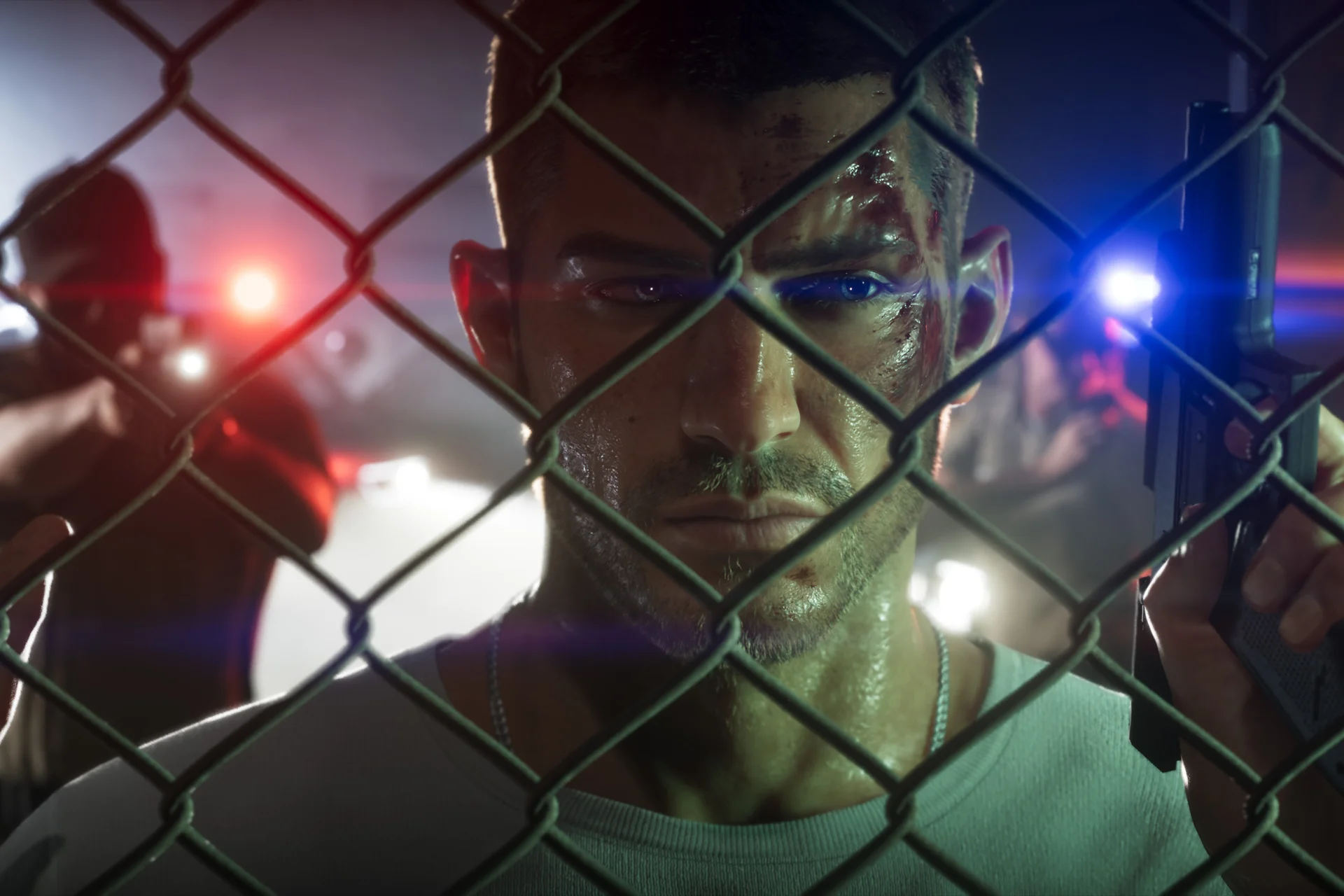
GTA 6 crashing to your PS5 home screen with error CE-108255-1 is one of the most reported problems since launch — and the fix is usually a pending update, not a broken console. Rockstar's patch 01.002.002, released on November 23, fixed several errors that caused the game to crash, so the first thing to do is check for updates. If the crashes continue, work through the steps below in order — and do not reset your console, because players who tried that say it did not help.
Quick summary
- CE-108255-1 is PlayStation's general "an error occurred with the game or application" code — it means GTA 6 crashed, not that your console is broken.
- First fix: install the GTA 6 update (01.002.002, released November 23) and the latest PS5 system software (version 26.07-14.23.00 is required to play GTA 6).
- Then try a full power-off, clearing the cache and rebuilding the database in Safe Mode, and restoring licenses.
- Reinstalling the roughly 200GB game is the last resort — back up your saves first.
- If GTA 6 keeps crashing at the exact same spot, it is probably a game bug, not your console — report it to Rockstar Support and wait for a patch. Do not reset your PS5.
- On Xbox, the same crash happens with no error code — the fixes are the same, minus the Safe Mode steps.
What does error CE-108255-1 mean?
PlayStation describes CE-108255-1 as a general error that occurred with the game or application. It is not a code made for GTA 6 — other big games have shown it in their launch weeks too. All it tells you is that the game itself crashed and closed.
Players have reported the code since GTA 6 launched on November 19, 2026, at launch and during play. GamesRadar reported it on November 19 and Dexerto on November 20, and some players say their game crashes at the same point every time — the same mission, the same cutscene. That pattern matters: a crash that repeats at the exact same spot is almost certainly a bug in the game, and no amount of console troubleshooting will fix it. Only a Rockstar patch will.
Rockstar has not published a specific fix for this code, and its GTA VI support page sends console errors to PlayStation and Xbox support. So the steps below follow PlayStation's own recommended order, from a two-minute update check to a full reinstall.
What do you need before you start?
Before you change anything, make sure the basics are in place. Rockstar recommends up to 212GB of free space for GTA 6, and a cramped drive can cause its own problems.
| Requirement | What you need |
|---|---|
| Free space | Up to 212GB free, as Rockstar recommends |
| PS5 system software | Version 26.07-14.23.00 or later — required to play GTA 6 |
| Game update | Version 01.002.002 (shown as 01.002.002 on PS5, 1.0.2.2 on Xbox) |
| Save backup | A fresh manual save, backed up to the cloud or a USB drive, before any reinstall or Safe Mode step |
Test the game after each step below. If a step fixes it, stop — there is no need to do the rest.
Fix 1: Install the GTA 6 update
This is the fix PlayStation recommends first, and the one players report most. GTA 6 got a pre-launch update, version 01.002.001, at about 602MB on PS5 — and if you pre-loaded the game, that update may not have installed yet. Then patch 01.002.002 arrived on November 23 and fixed several crash-causing errors.
1. Go to the PS5 home screen.
2. Highlight GTA 6 but do not start it.
3. Press the Options button on the controller.
4. Select Check for Update.
5. Let the download and install finish before you start the game.
On Xbox, go to My games & apps, highlight GTA 6, press Menu, then Manage game and add-ons, then Updates.
Fix 2: Update the PS5 system software and restart fully
GTA 6 needs the latest PS5 system software before it will run properly. Go to Settings, then System, then System Software, then System Software Update and Settings, and install any update. Do not turn off or unplug the PS5 while a system update is installing — an interrupted update can damage the system software.
Then turn the console fully off instead of putting it in rest mode. Rest mode keeps the game half-loaded in memory, which is exactly what you do not want after a crash. Press the PS button, open the control center, select Power, then Turn Off PS5. Wait until the power light is completely off, then turn it back on and start GTA 6.
Fix 3: Clear the cache and rebuild the database
If the error keeps coming back, PlayStation's next step is Safe Mode. This does not delete your games or saves.
1. Turn the PS5 off completely.
2. Hold the power button until you hear the second beep, about seven seconds. The PS5 starts in Safe Mode.
3. Connect the DualSense controller with a USB cable and press the PS button.
4. Choose Clear Cache and Rebuild Database, then Clear System Software Cache.
5. If it still crashes, go back into the same menu and choose Rebuild Database instead. It can take a while — do not turn the console off until it is done.
Fix 4: Restore licenses
If the game will not launch at all, or crashes immediately on startup, restoring your licenses can help. Go to Settings, then Users & Accounts, then Other, then Restore Licenses. In the same Other menu, check that Console Sharing and Offline Play is turned on.
Fix 5: Reinstall GTA 6 as a last resort
Some players say deleting and reinstalling the game fixed it. That means downloading the whole game again, so try everything above first. Back up your saves to the cloud or a USB drive, delete GTA 6 under Settings, then Storage, then download it again and install the update straight away. On PS5, deleting a game leaves its saved data in place, and a PS Plus cloud save is a good extra safety net — but back up anyway before you delete anything.
What if GTA 6 crashes on Xbox?
Xbox players describe the same crash — the game freezes or drops you to the Home screen — but with no error code. The fixes are the same in spirit:
1. Close the game completely: press the Xbox button, highlight GTA 6, press Menu and choose Quit.
2. Check for updates under My games & apps, then Manage game and add-ons, then Updates.
3. Do a full shutdown: hold the Xbox button on the console for about 10 seconds until it switches off, then turn it back on.
4. Make sure GTA 6 runs from the internal SSD or a supported expansion — a USB drive can store it, but you have to move it back before you can play.
5. Reinstall as a last resort, after backing up your saves.
Also let the console breathe. Freezes and sudden shut-downs can come from heat — keep the vents clear, do not put the console in a closed cabinet, and clean dust out of the vents. That applies to PS5 too.
What if it still crashes at the same spot?
Then stop troubleshooting your console. Players quoted in the reports tried clearing the cache, rebuilding the database, reinstalling the game, restoring licenses and even a full console reset — and the crash at the same point still came back. A full reset erases everything on the console and has not fixed it for others, so do not do it.
Instead, save by hand before and after missions so a crash costs you less progress, note the exact spot where it crashes, and send that detail to Rockstar Support — that is how a game bug gets fixed. Send the error report when the PS5 asks, because Sony passes crash reports on to the developer. And do not pay for a repair until Rockstar or Sony says more, unless other games crash too — if they do, the problem is your console, not GTA 6.
If you are still playing through the story while you wait, our GTA 6 cheat codes guide lists all 61 cheats and how to unlock them once you finish the story, and our guide to the first GTA 6 patch explains what 01.002.002 changed. GTA 6 costs ₹5,999 for the standard edition and ₹7,499 for the deluxe edition in India. If your console itself is acting up beyond GTA 6, our report on PS5 consoles dying while playing GTA 6 covers the more serious hardware reports separately.
Frequently asked questions
What is error CE-108255-1 in GTA 6?
CE-108255-1 is PlayStation's general code for "an error occurred with the game or application". It means GTA 6 crashed and closed. It is not unique to GTA 6, and other big games have shown it at launch. Rockstar has not published a specific fix for it.
Does reinstalling GTA 6 fix the CE-108255-1 crash?
For some players, yes — deleting and reinstalling the game cleared the crash. But it is a last resort, because it means downloading roughly 200GB again. Try the game update, the system software update, a full restart, and clearing the cache and rebuilding the database first, and back up your saves before you reinstall.
Will resetting my PS5 fix GTA 6 crashing?
No — do not reset your PS5 for this error. Players who tried a full console reset report that the crash came back, and a reset erases everything on the console. If GTA 6 crashes at the same spot every time, it is most likely a game bug that only a Rockstar patch can fix.
Why does GTA 6 crash at the same mission every time?
A crash that repeats at the exact same point — the same mission or cutscene — is almost certainly a bug in the game rather than a problem with your console. Save by hand before and after missions, note the exact spot, and report it to Rockstar Support so it can be fixed in a patch.
Does GTA 6 crash on Xbox too?
Yes. Xbox players report the same freezes and crashes, but without an error code — the game just drops you to the Home screen. The fixes are the same: quit the game fully, check for updates, do a full shutdown (hold the console power button for 10 seconds), and reinstall only as a last resort.
Related articles
 How to Fix Lag in BGMI on a Low-End Phone…
 GTA 6 Cheat Codes: All 61 Cheats, How to…
 Best Free Games to Play in 2026 (PC, Cons…
 Fortnite Best Settings for Low-End PC — M…