GTA 6 Is Reportedly Killing Some PS5 Consoles — Smoke, Shutdowns and a 274W Power Spike
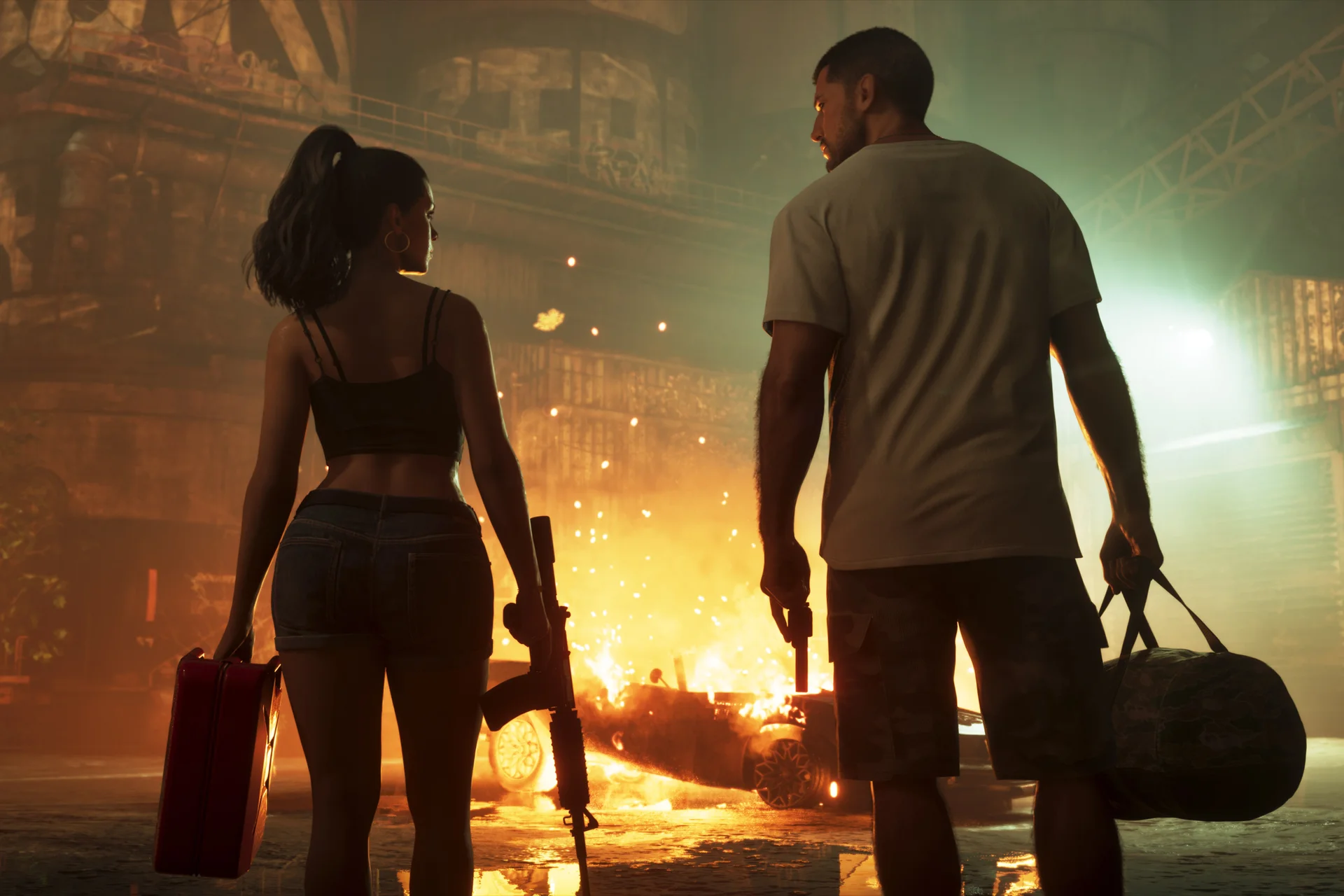
Some PS5 owners say GTA 6 is not just crashing their game — it is killing their console. Since the game launched on November 19, 2026, players have reported sudden shutdowns, freezes, green graphical glitches and, in the most extreme cases, smoke coming out of the machine. Two streamers have posted about their PS5s dying live on camera. Here is the important part, though: nobody has proven GTA 6 actually damages hardware, and neither Sony nor Rockstar has commented yet. This is what players are reporting, what the numbers actually say, and what you should do to protect your console.
Quick summary
- Players report PS5 shutdowns, freezes and graphical glitches while playing GTA 6 — a small number say their console stopped working entirely.
- Two streamers posted hardware failures on camera: JoJoJosiah's PS5 started smoking on November 21, and shivjam's console froze with green artefacts on November 24 and would not restart.
- A repair technician measured a PS5 pulling about 220W during GTA 6, peaking at 274.2W — high, but still below the PS5 power supply's roughly 340–350W rating.
- Rockstar's first patch (1.002.002, November 23) promised crash fixes, but players still report the CE-108255-1 error after it.
- Neither Sony nor Rockstar has commented as of November 25, and there is no recall or hardware advisory.
- Most reports are software crashes, not dead consoles — but the game is the toughest stress test the PS5 has ever had.
What players are actually reporting
The reports started within days of launch and they follow a pattern: the game freezes or the screen fills with graphical artefacts, then the console shuts down — and sometimes it does not come back.
Streamer JoJoJosiah posted on November 21 that his PS5 "started just smoking" after he paused GTA 6 and stepped away from the game. He unplugged it after alarms began sounding and said he would need a replacement.
On November 24, Twitch streamer shivjam posted footage of her console freezing with green graphical artefacts while riding an ATV in the game. The console then failed to power back on. She later opened the device and showed its interior, saying it was not particularly dusty and that the PS5 was placed in a well-ventilated area. She suggested the GPU may have failed, but that has not been confirmed.
Other players report less dramatic but still worrying problems. One Reddit user said that after about 20 hours of play, GTA 6 crashed — and afterwards every game on the console crashed within a minute of booting, even small games that barely use any power. The console also showed "glitchy patches" on screen for a few seconds at startup. Streamers including xQc and iShowSpeed have also had GTA 6 crash live on stream, though their issues do not appear as severe.
None of these individual claims has been independently verified. Treat them as player reports, not confirmed findings.
How hard is GTA 6 actually pushing the PS5?
The most concrete numbers come from repair technician Modyfikator89, who measured a PS5's power draw at the wall while running GTA 6. The console drew about 220W during a typical in-game scene, dropped to around 67W once the game was closed, and peaked at 274.2W in a separate, more demanding stress test.
That sounds alarming, but context matters. The PS5's power supply is rated at roughly 340–350W depending on the model, so even the 274.2W peak is still below the design limit. A high power draw does not by itself prove the game is damaging the console.
The technician's theory is different: sustained high load could be exposing cooling problems that already existed in some older PS5 units. One possible factor he cited was uneven distribution of the liquid metal thermal interface between the chip and the heatsink, which would reduce heat transfer. That remains a hypothesis, not a confirmed explanation for either reported incident.
Modyfikator89 has also received consoles for repair after sudden shutdowns during GTA 6. Among the diagnostic errors identified are Main SoC Access Error, related to the primary system on chip, and APU VRM Power Fail, linked to the APU power supply circuit. Again, these are repair-shop observations, not an official diagnosis.
What Rockstar has (and has not) done about it
Rockstar released its first post-launch update, patch 1.002.002, on November 23. The roughly 600MB update on PS5 listed general crash fixes and gameplay bug fixes, but said nothing about overheating, shutdowns or damaged hardware. Players report that crashes — including the CE-108255-1 error code — are still happening after the patch. Our GTA 6 crashing on PS5 guide explains what that error means and what to try first.
As of November 25, neither Rockstar nor Sony had responded to requests for comment from Gizmodo and GAMINGbible. There has been no recall, no hardware advisory and no official explanation. Rockstar's patch notes for 1.002.002 are covered in our first GTA 6 patch article.
How to protect your PS5 while playing GTA 6
No official guidance exists yet, but the basics of console care matter more than ever when a game pushes the hardware this hard:
- Give it air. Keep the PS5 in an open, well-ventilated spot — not inside a closed TV cabinet or pressed against a wall. Warm air trapped around the console is the most common cause of overheating.
- Clean it. Dust in the vents and fan makes cooling worse over time. Use compressed air on the vents, and check the dust catcher.
- Do not ignore the warning signs. If your console shuts down mid-game, freezes repeatedly, or shows graphical artefacts, stop playing and let it cool down fully before trying again.
- If it will not boot, contact Sony support. Do not open the console yourself — that can void your warranty. If it is still under warranty, a repair or replacement goes through Sony.
- The weather bug is a different problem. If your issue is Leonida stuck on sunshine rather than crashes, players have found a two-minute cache fix that brings the rain back.
The honest bottom line: GTA 6 is the most demanding game the PS5 has ever run, and a small number of consoles — most likely older or poorly ventilated ones — are failing while playing it. That does not mean the game is bricking healthy consoles. Until Sony or Rockstar says something official, keep your console clean, cool and well-ventilated, and treat any shutdown as a sign to stop and let it rest.
Frequently asked questions
Is GTA 6 bricking PS5 consoles?
A small number of players report their PS5 stopped working while playing GTA 6, including two streamers whose consoles smoked or failed to restart. But nobody has shown that GTA 6 actually damages hardware, and the incidents are individual reports, not a confirmed pattern. Most players experience software crashes, not hardware death.
How many PS5 consoles have died playing GTA 6?
There is no official number. The widely shared cases are two streamers (JoJoJosiah and shivjam) plus a handful of Reddit reports. Far more reports describe game crashes with error code CE-108255-1 than confirmed hardware failures.
Why does GTA 6 draw so much power on PS5?
A technician measured about 220W during normal play and a 274.2W peak in a stress test, versus about 67W with the game closed. GTA 6 is an extremely demanding game, but 274W is still below the PS5 power supply's roughly 340–350W rating, so high power draw alone does not prove damage.
Did Rockstar's first patch fix the PS5 crashes?
Patch 1.002.002, released November 23, promised general crash fixes, but players report that crashes — including the CE-108255-1 error — still happen after the patch. The patch notes say nothing about overheating or shutdowns.
What should I do if my PS5 shuts down while playing GTA 6?
Let it cool down completely, check that the vents are clear and the console has space to breathe, then try again. If it keeps shutting down, freezes, or will not boot, contact Sony support rather than opening the console yourself.
Related articles
 Pokémon Scarlet and Violet's Mighty Baxca…
 GTA 6 Scores a Perfect 10 from Edge and 3…
 GTA 6 Has a Secret Mission Where You Go t…
 The Unofficial GTA 6 PC Port Just Hit 30…